Control your security system
Controlling the U-Prox security system is very simple, just install the free U-Prox Home mobile application on your smartphone.


Controlling the U-Prox security system is very simple, just install the free U-Prox Home mobile application on your smartphone.

In the event of an alarming situation, receive an instant notification on your smartphone.

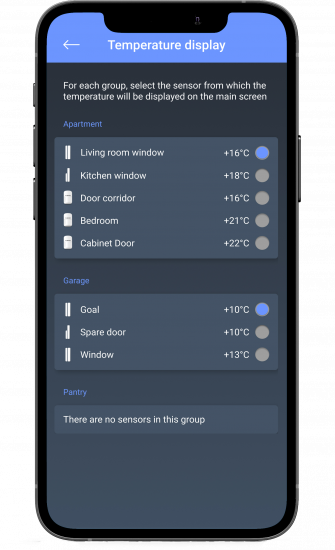
Customize your security system from your smartphone with the U-Prox Installer application. Add new devices, users in a few clicks.


The U-Prox Home application is used to control the system, which implements the necessary set of functions for daily use.

The intuitive application interface will help you quickly configure the security system, manage and monitor the state of the U-Prox security system.

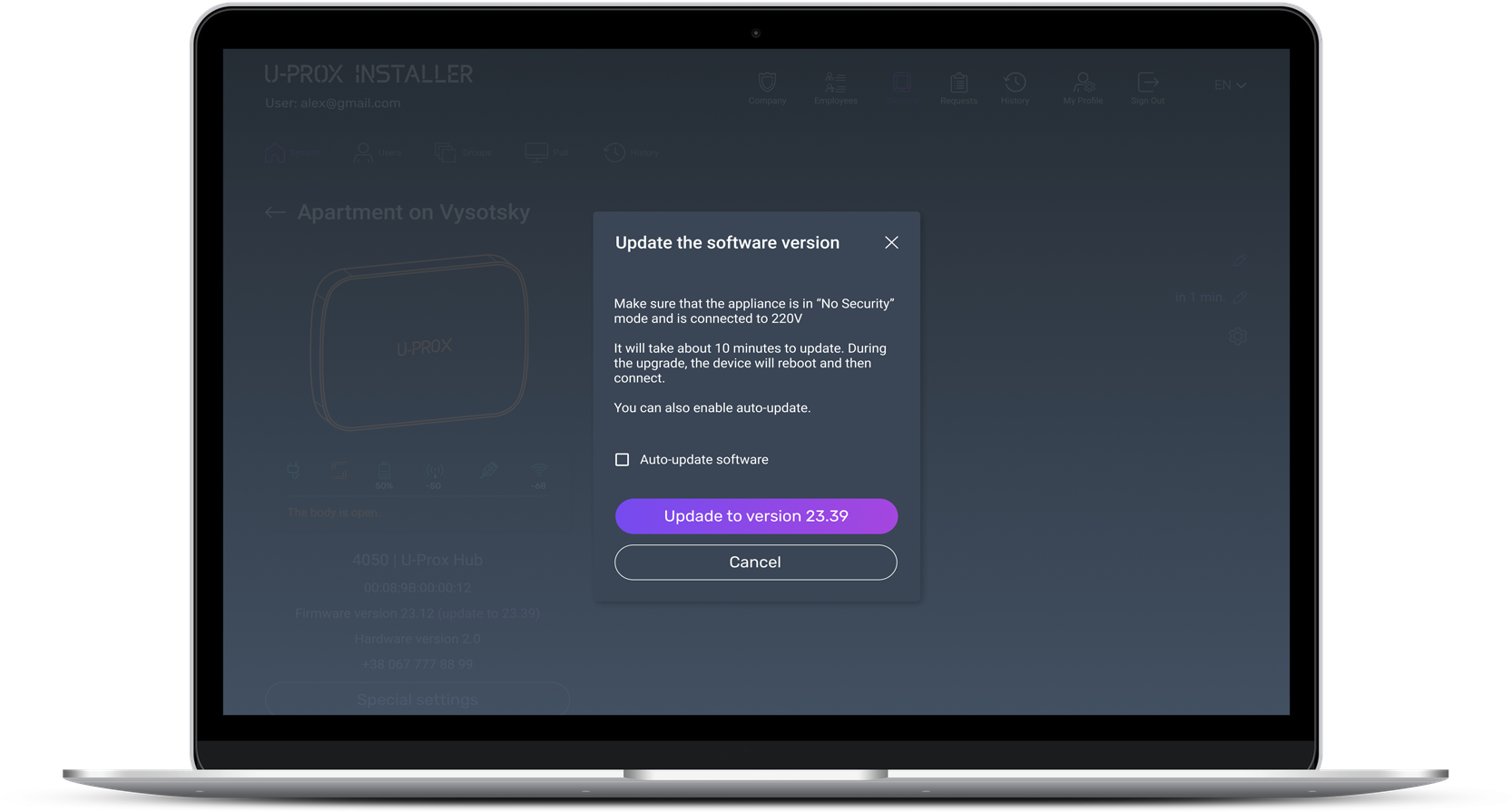
The U-Prox Installer application is intended for setting up the security system.
The application is designed to configure the U-Prox alarm. It can be used not only by an engineer of control security organizations, but also by an individual user who has installed the device at home.





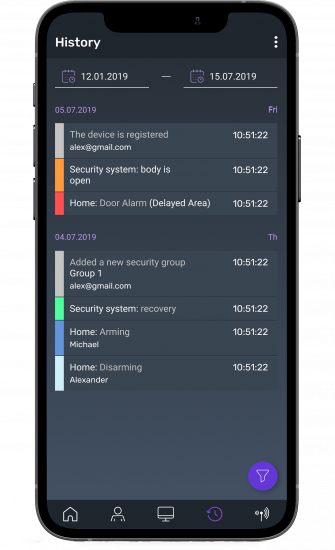


You can control the U-Prox security system from your smartphone. An ordinary user can control the security system (or several) that he has installed at home. Operation of the application does not depend on whether the device is connected to the panel protection, or used independently.

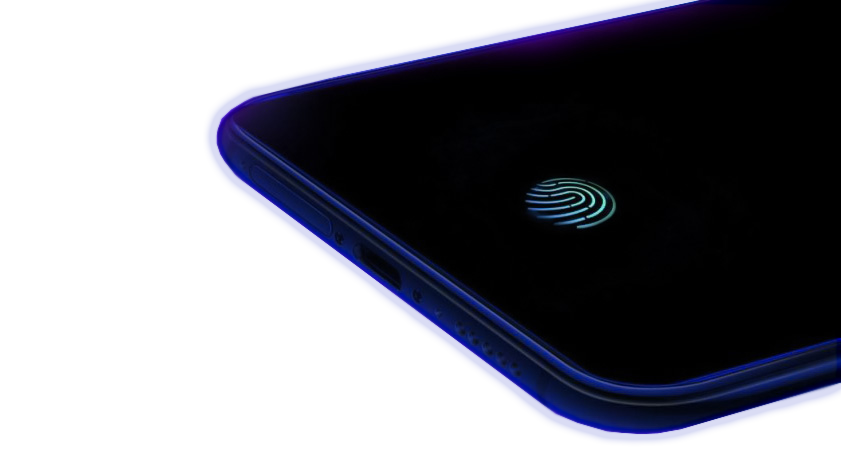
In addition, the entrance to the account is password protected as additional protection, we chosen biometrics identification .
Even if an attacker was able to take over your smartphone – access to your account U-Prox will be impossible. Therefore, Everything under your control!


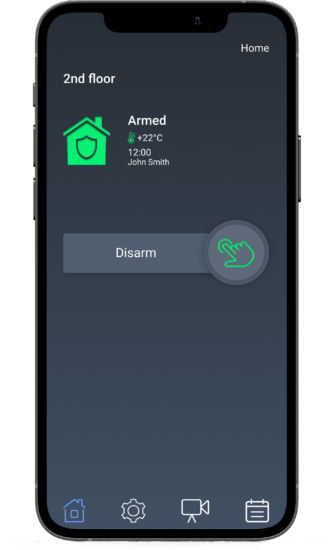

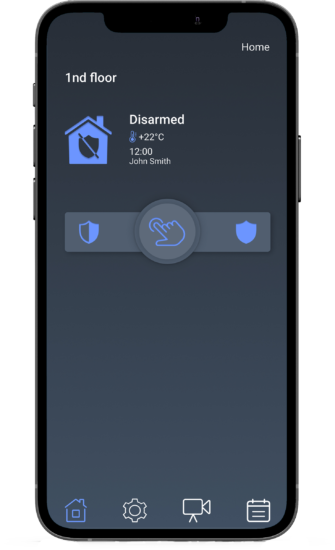

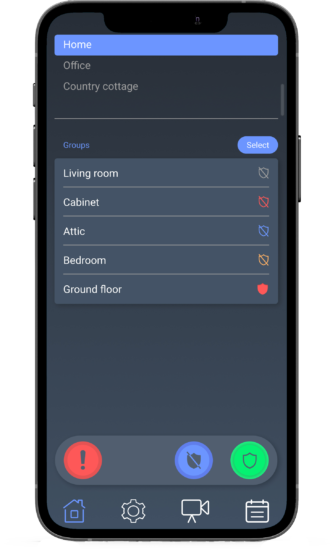
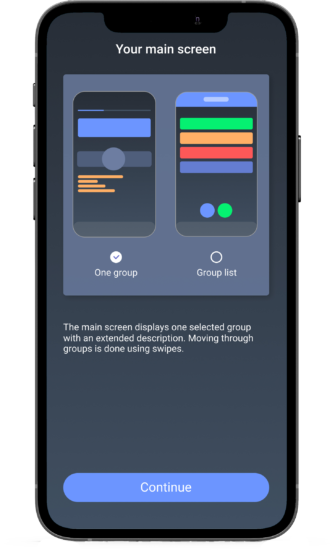
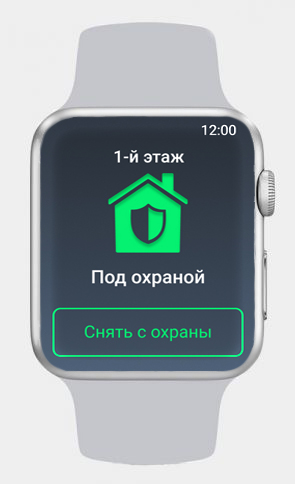
Now you can control the security system not only from the U-Prox Home mobile application on your smartphone, but also use your Apple Watch. Choose a light or dark theme of the application and keep the guard on the pulse.


Essential Security Supplies
Learn how ONVIF works with FERN360, Dahua, TVT and UniView cameras and NVRs, including recording, analytics and mixed-brand compatibility considerations for New Zealand installers.
Read more
Essential Security Supplies
Thermal and optical CCTV answer different questions. Thermal imaging can help detect a target through its infrared radiation, while an optical image provides visible scene detail such as clothing and faces. For NZ perimeter projects, the useful choice often combines detection with a separate visual verification path.
Read more
Essential Security Supplies
NVR RAID changes how disks provide capacity and tolerate disk failure. It does not preserve every recording against deletion, recorder damage or a wider incident. NZ CCTV projects should choose the recorder's supported RAID mode alongside retention, workload, fault response and an independent evidence preservation process.
Read more
Essential Security Supplies
A CCTV cybersecurity checklist should cover the entire service: cameras, recorders, operator workstations, remote access and maintenance. Changing a default password is necessary where applicable, but it does not resolve an unsupported device, exposed recorder or uncontrolled administrator account. NZ installers need a documented baseline and a process for keeping it current.
Read more